


Paid, but still seeing an “Unpaid” status?
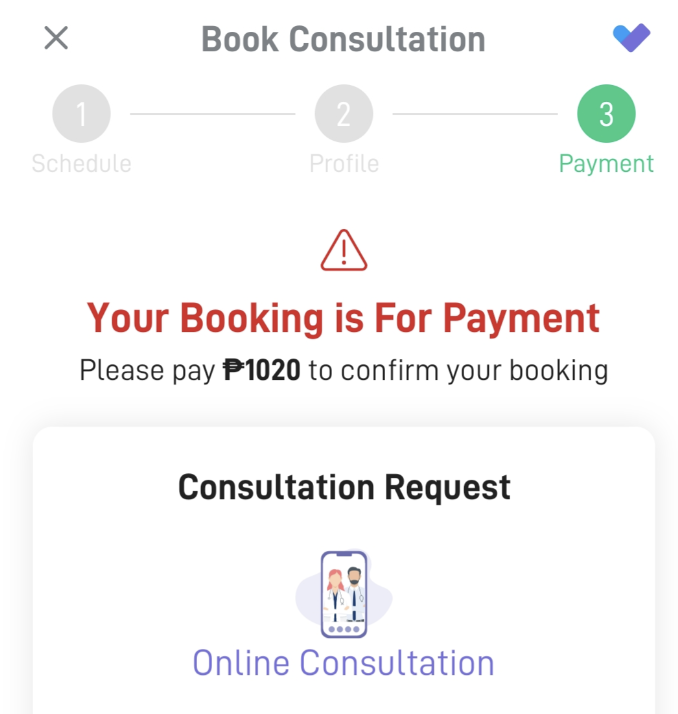
If you’ve already paid and see that your card or bank was charged, but your booking still shows as Unpaid, don’t worry, this is usually easy to resolve.
This typically happens when multiple bookings were created, but payment was completed for only one of them.
What to do next
1. Don’t panic.
If you were charged successfully, your payment is on record.
2. Contact our support team.
Reach out (support@nowserving.ph) so we can check which booking was paid and which one remains unpaid.
Note: Make sure to provide the following information when you message the support team.
1. Full name of patient
2. Full name of doctor booked
3. Date of payment
3. We’ll clean it up for you.
If one booking was paid successfully, we can expire or remove the unpaid duplicate booking.
Once that’s done, simply refresh the app, and the unpaid booking should no longer appear.